

DevHub · Features
Instructions
An instruction is a procedure you hand to an agent when the work calls for it, for example how to publish a release. It is the one kind in the library that is never installed. Nothing writes it into a client folder, and it costs nothing until somebody asks for it by name.
When to use it
Section titled “When to use it”- A task has steps that are too long to keep in every session.
- You want to tell an agent “do this now, in this way” and not “always know this”.
For something an agent should know in every session, use a skill or a rule. For facts about your organization, use a vault.
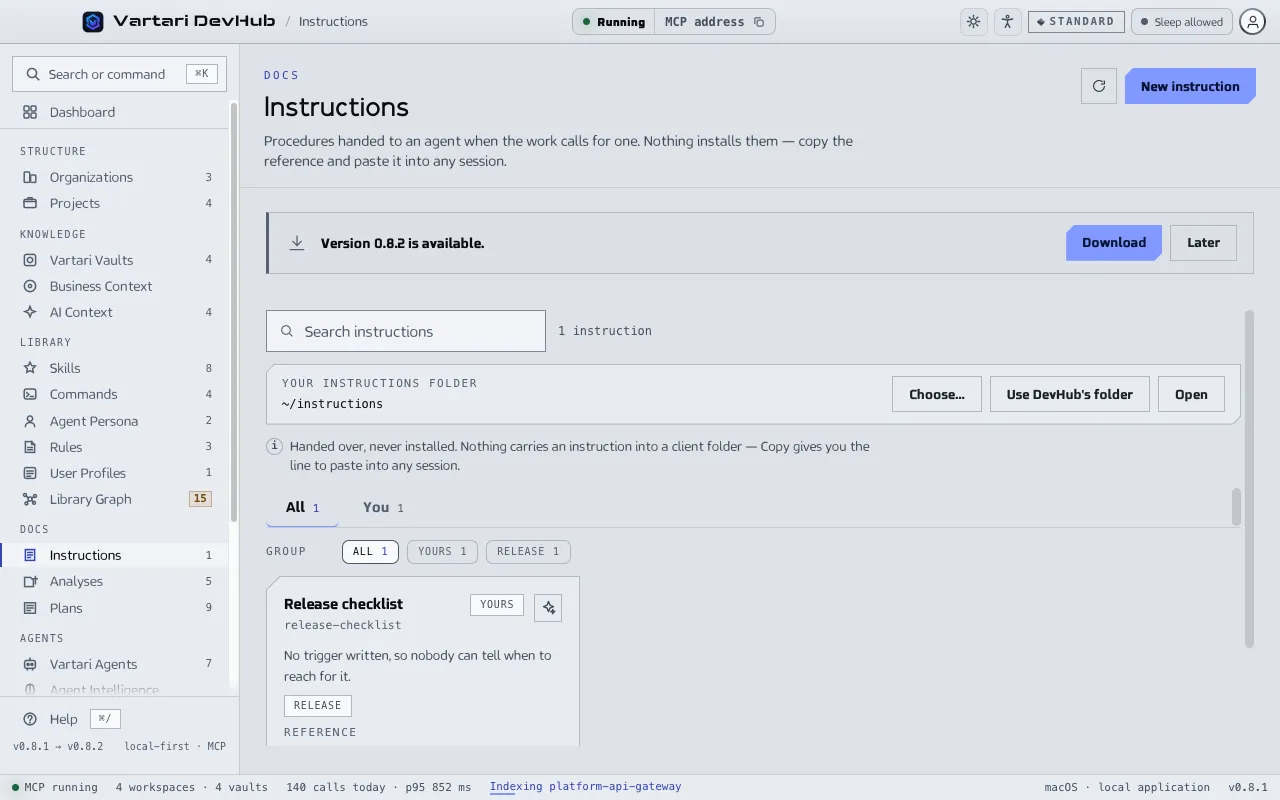
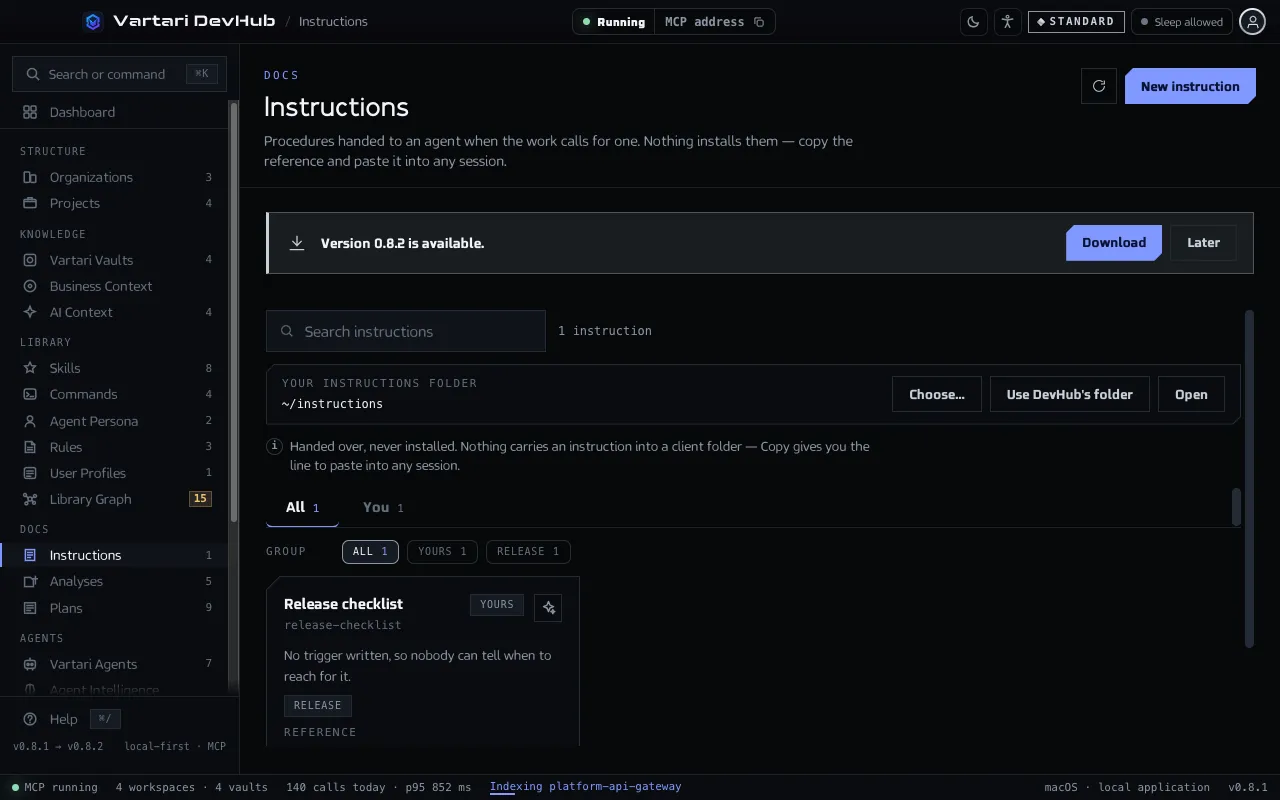
Write one
Section titled “Write one”Open Instructions in the Docs group of the sidebar and add a new instruction. Fill in:
- When: the situation in which this instruction is the right one. Write it so that it follows the word “when”.
- the steps of the procedure;
- Reference: the line you copy to hand it over.
You can keep your instructions in a folder of your own. The screen shows which folder.
Give it to an agent
Section titled “Give it to an agent”Click Copy reference. You get the reference line, which you paste into any session. The agent opens the instruction by name with library_get, kind instruction.