

DevHub · Features
AI Context
AI Context is a queue. You put in what an agent should know before it starts: notes from a vault, symbols from a repository index, a whole index overview, skills, analyses or plans. DevHub merges them into one text. The agent takes it with one call.
When to use it
Section titled “When to use it”- You know which notes or code an agent needs and do not want it to search for them.
- You start a session and want the agent to begin with the right background.
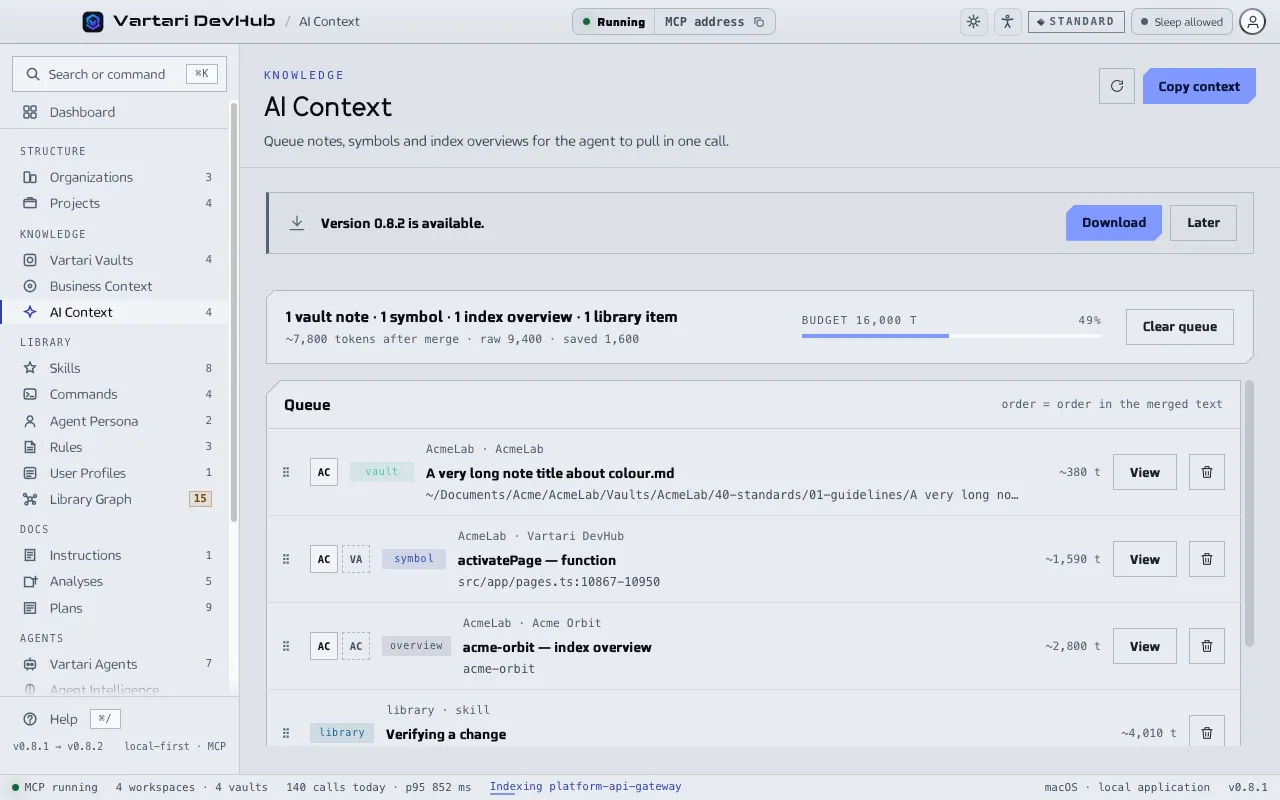
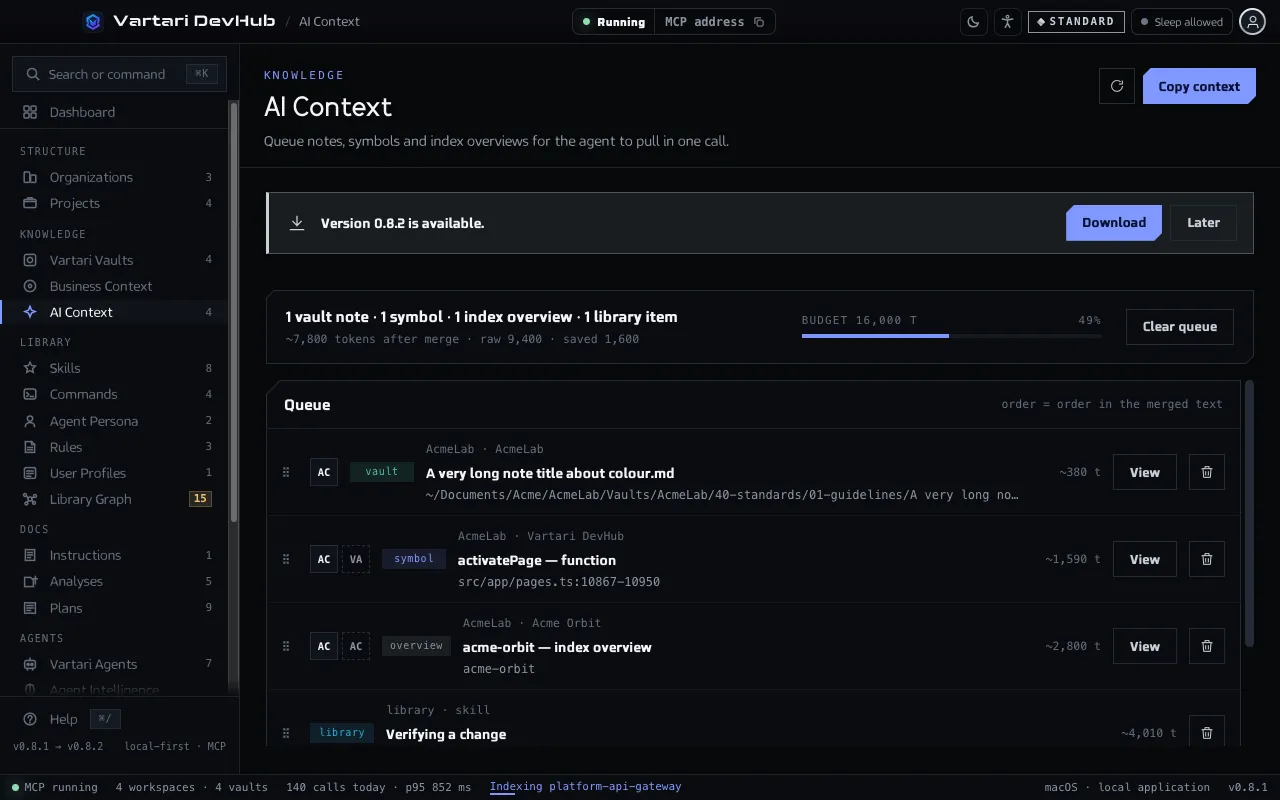
Fill the queue
Section titled “Fill the queue”Add an item with the Context mark or the Add to context button in these places: a result in Business Context, a note in the Vault Viewer, an index overview or a symbol in Projects, and the library pages. An item already in the queue is not added twice.
When the queue is empty, the page offers Search Business Context and Add from the Repository Index.
Order and size
Section titled “Order and size”- Open AI Context in the sidebar.
- Drag an item to change its place. The order of the queue is the order in the merged text.
- Read the size: “~N tokens after merge”, the raw size and what merging saved.
- Use the remove button on an item to take it out, or Clear queue to empty the queue.
The size is measured against a budget, shown as “Budget N t”. The default is 16,000 tokens. Change it in Settings > MCP Server, Queue budget (tokens), from 1,000 to 200,000. When the queue is over the budget, the page warns you, and the warning is all it does: the queue is not blocked and an agent receives all of it.
Preview and copy
Section titled “Preview and copy”Show preview displays the merged text, exactly what the context_pull tool returns, with the number of items and blocks. Copy context copies the same text, so you can paste it into any session.
What the agent does
Section titled “What the agent does”At the start of a task an agent calls context_pull. It receives the merged text with a manifest that says where each part came from, and reading it empties the queue. context_get returns the same text and leaves the queue as it is. Both tools are in the catalog of DevHub tools.