DevHub · Getting started
Setup wizard
After sign-in, DevHub helps you add the first folder and connect a client. The setup steps are shown as Account, Folder and Client, and the screen is titled “Where do you start?”: “Choose what DevHub shares with your agents. You can add folders and clients later too.”
The wizard appears when you have no folder yet. It does not come back once you finish or skip it.
- Add a folder. Click Add folder. A folder is a repository your agents may read over MCP. A folder belongs to a project and a project to an organization, so DevHub first asks for an organization and a project if you have none, in its own dialogs, and then for the folder. When it is done, the step shows “Folders: 1”.
- Connect a client. Click Connect a client and pick the client you work with. See Connect an AI client. Until then the step says “No client is connected yet.”
- Finish. Click Done, or Skip for now to leave the wizard and do it later.
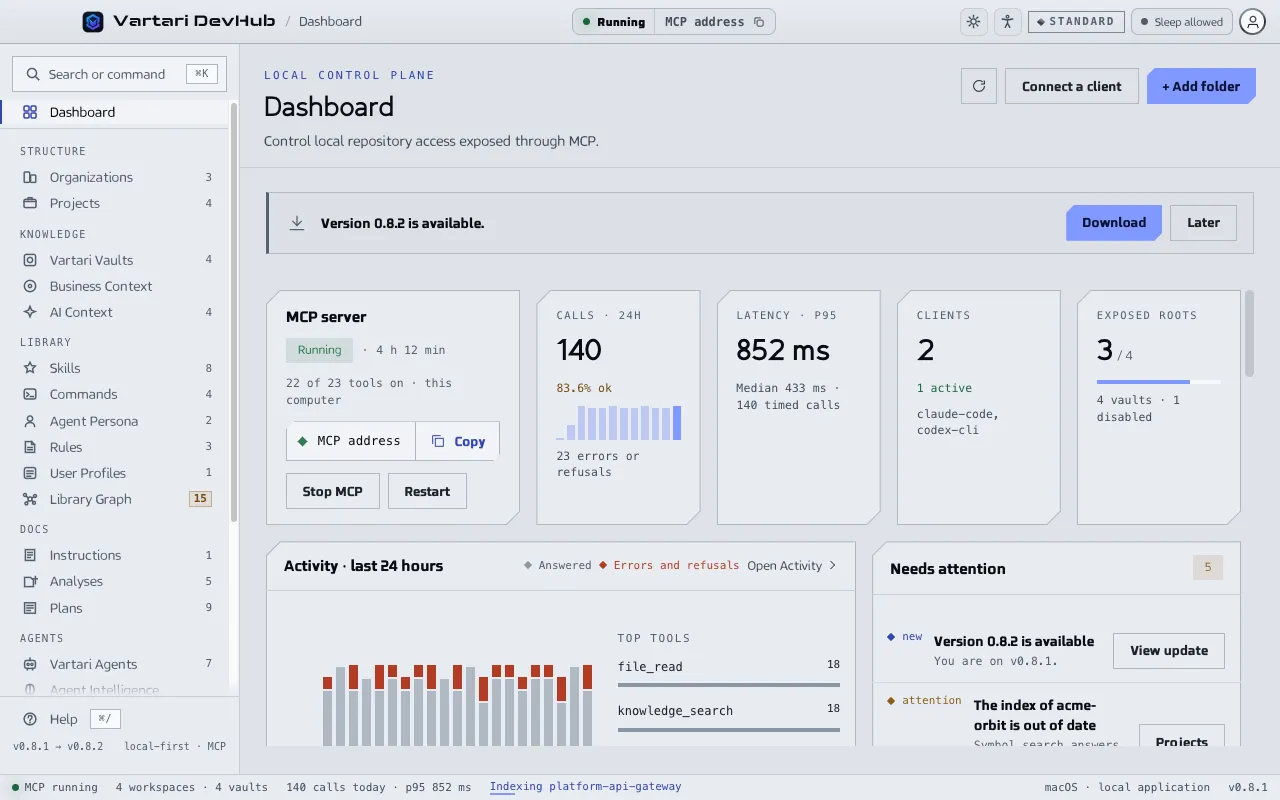
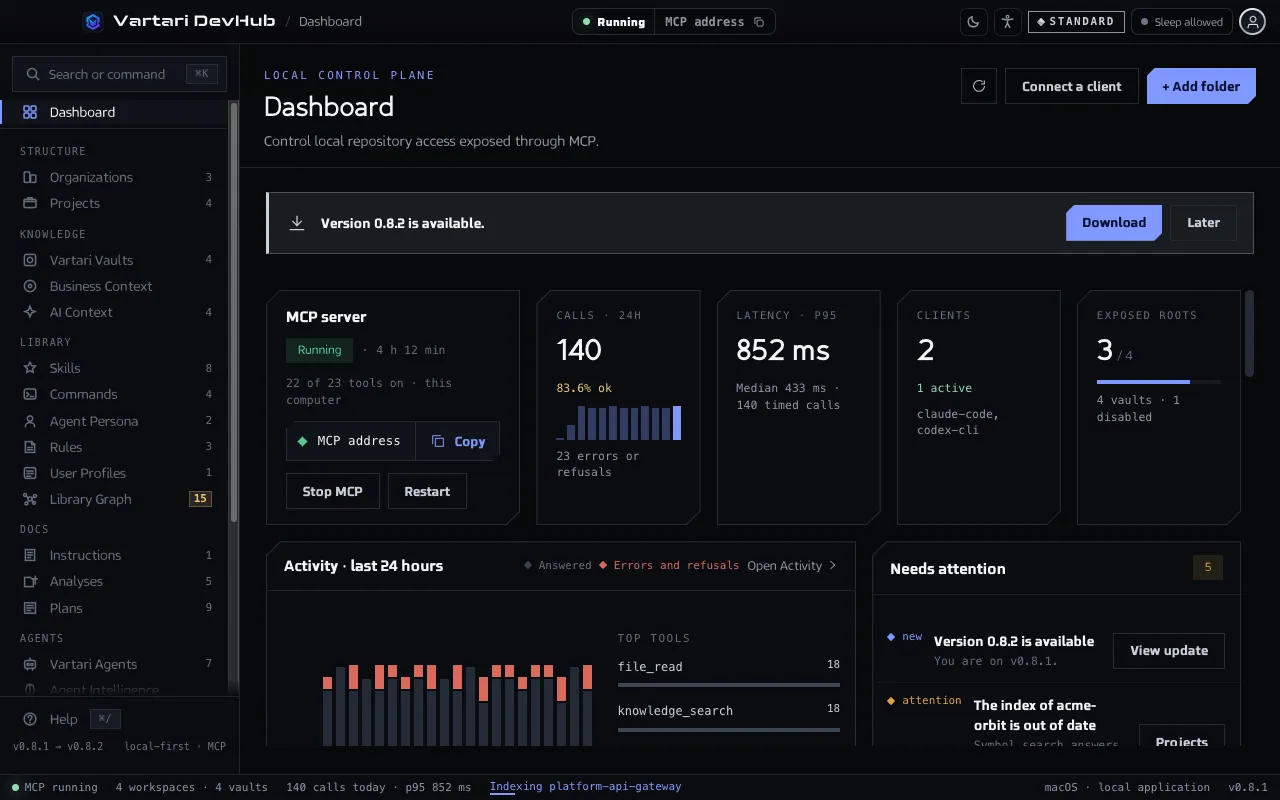
You can skip any of it. The same actions are on the Dashboard: Add folder and Connect a client.