

DevHub · Features
Plans and tiers
Your plan comes from your Vartari ID account. DevHub reads it after you sign in and shows it in two places: the badge in the top bar (STANDARD, PLUS or PREMIUM) and Settings > Account and plan.
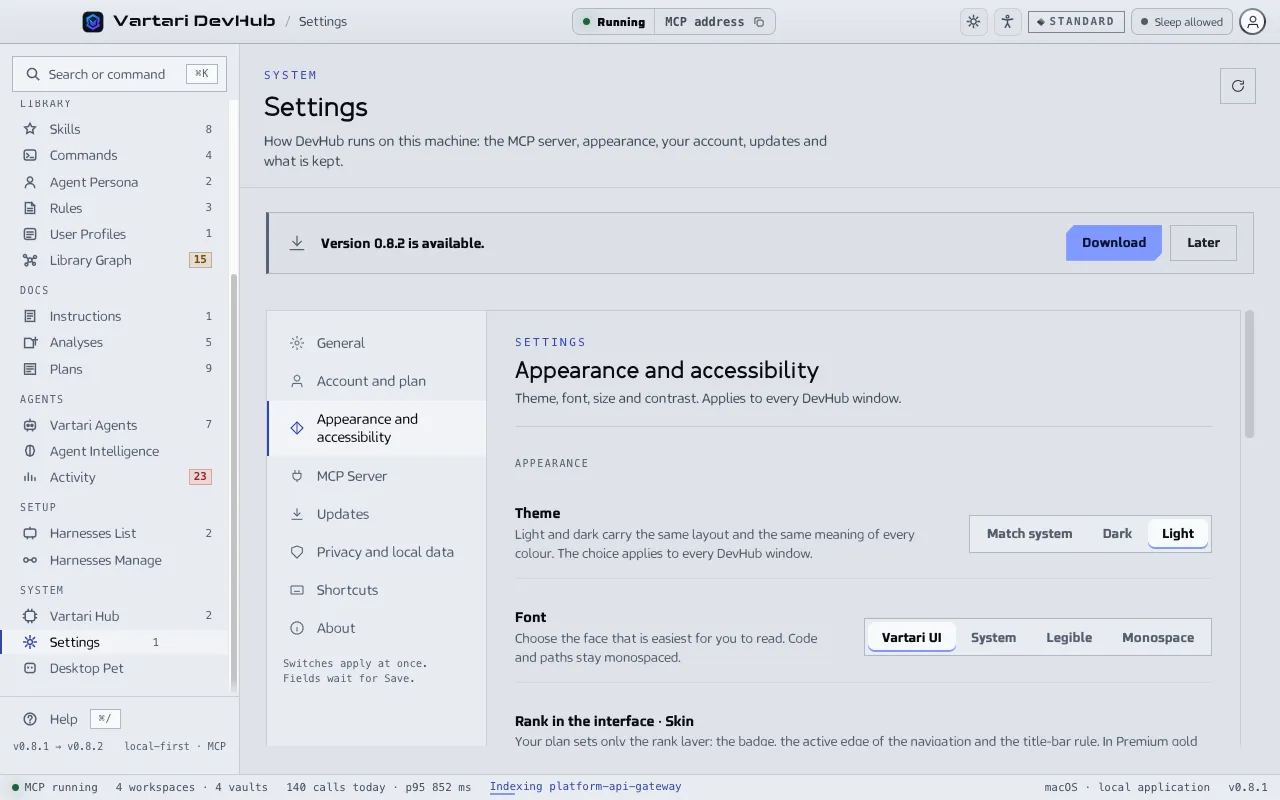
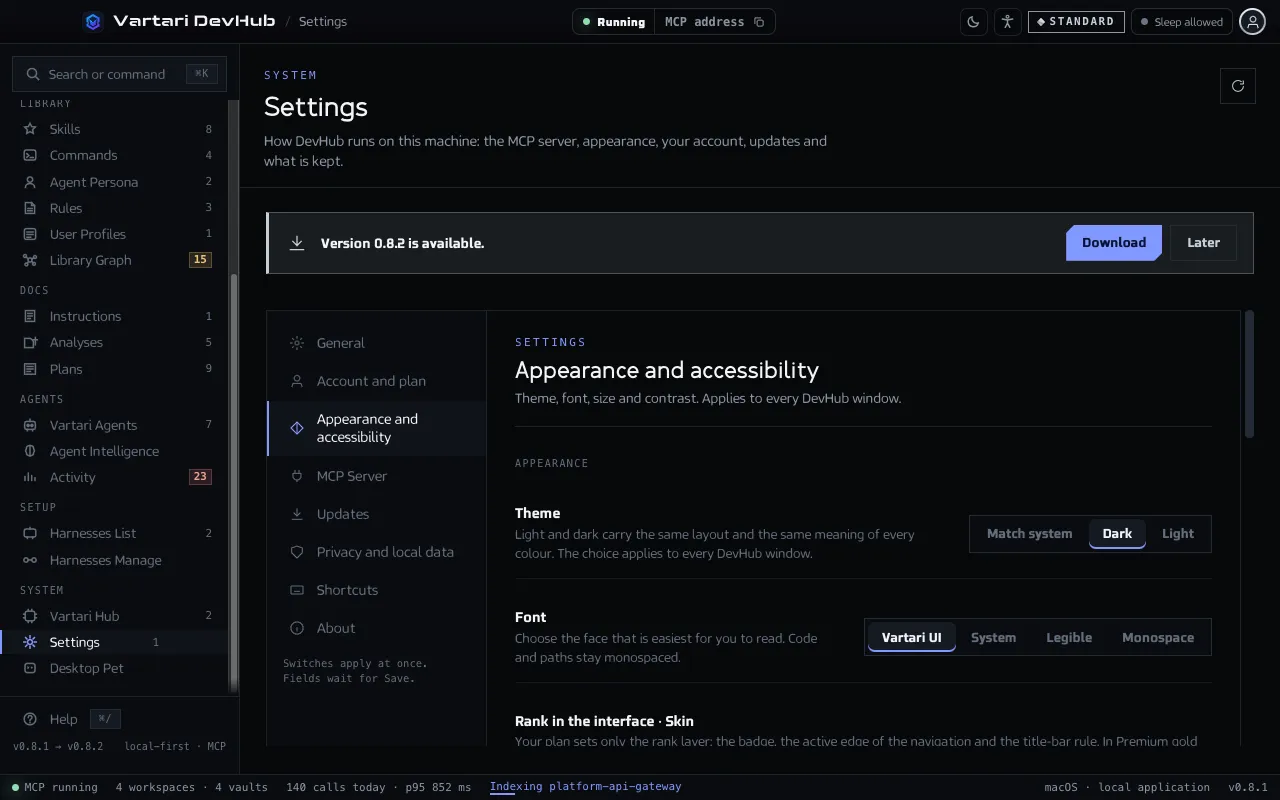
The three plans
Section titled “The three plans”| Plan | How DevHub looks |
|---|---|
| Standard | The full workspace. Platinum marks your rank, and every action is blue. |
| Plus | Gold takes the rank: the badge, the active edge of the navigation and the line of the title bar. Actions stay blue. |
| Premium | Gold on a graphite stage. The blue goes out, and actions, focus and the rank all speak gold. |
The plan sets the skin: how the rank looks. What you may do comes from the permissions of your account, described below. An account without a plan is shown as Unsubscribed and keeps the Standard look. Without a session, DevHub shows the plan it last remembered, or Standard. Signing out returns it to Standard.
This page gives no prices. Plans and billing are managed in Vartari ID: click Manage plan in Vartari ID in Settings > Account and plan, or Manage plan in Appearance and accessibility.
Choose the mode
Section titled “Choose the mode”You do not choose the plan in DevHub. In Skin you choose Night or Day, and the skin shows the look of your plan. A development build can preview the other plans, and the preview does not change your account.
Permissions
Section titled “Permissions”Since 0.8.1 DevHub also reads what your account may do. For every area (organizations, projects, vaults, Business Context, AI Context, library, analyses and plans, Repository Index, agents, harnesses, memory and Vartari Hub) the account carries a level of read, write or manage, and separately whether agents may reach the area over MCP.
- A screen or action your account does not include stays visible but disabled, with the permission it needs. Nothing on your disk is removed because a permission is missing.
- The MCP server starts only when your account may run it. Each of its tools is offered only when the account may use that area over MCP at the level the tool needs. Deleting files, running scripts, starting agents and taking screenshots need the manage level.
- Without a network, DevHub uses the permissions it last received for at most 72 hours. A version installed while offline has no permissions until it has been online once.